
EMAIL MARKETING PLATFORM
Brevo Email Marketing: Grow Your Business Smarter
Build your list, send campaigns people actually open, and automate follow-ups, all from one dashboard. Offer Collect explains how Brevo works, who it suits, and how to start on the free plan.
Free plan also available. No credit card needed to sign up.
ALL-IN-ONE
Email, SMS, WhatsApp and CRM in one place
- Drag-and-drop email editor
- Automation workflows
- Signup forms and landing pages
- Reports and A/B testing
Three Ways Brevo Helps You Grow
Everything you need to go from first subscriber to steady revenue.
Grow Your List
Add signup forms and pop-ups to your site and turn casual visitors into subscribers, with no developer needed.
Design Better Emails
Use ready-made templates and the drag-and-drop editor to create clean, mobile-friendly emails in minutes.
Automate Follow-Ups
Set up welcome series, abandoned-cart reminders and re-engagement flows that run while you work.
Who Is Brevo Best For?
Brevo suits small business owners, freelancers, bloggers, online stores and growing startups who want professional email marketing without a steep learning curve. The interface is simple, the free plan lets you test real campaigns, and you can add SMS, WhatsApp or CRM tools later without switching platforms.
It is not the only option, so on this site we compare it honestly with alternatives and show where it fits and where it does not.
Easy to start
Create an account, import contacts and send your first campaign the same day.
Manage from anywhere
Use the dashboard on desktop, tablet or phone to check results and launch campaigns.
Free plan to test
Try the core tools first and upgrade only when your list and sending needs grow.
Why Marketers Choose an All-in-One Platform
1 dashboard
Email, SMS, WhatsApp and CRM together
Free tier
Start testing before you pay
Automation
Workflows for welcome, cart and re-engagement
What the Brevo Platform Includes
Signup forms and pop-ups
Capture leads on your website with forms that match your brand.
Analytics and A/B testing
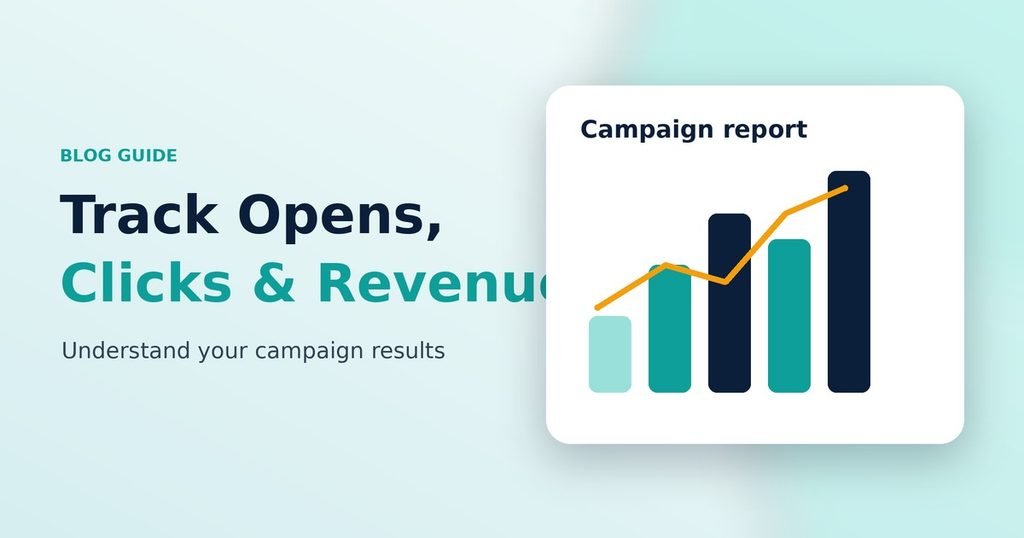
Track opens, clicks and revenue, then test subject lines to improve results.
Integrations
Connect Brevo with WordPress, WooCommerce, Shopify and other popular tools.
Automated workflows
Trigger the right message at the right time based on what contacts do.
AI writing assistance
Get help drafting subject lines and email copy faster.
Template library
Start from tested layouts and customise them with drag and drop.
Brevo at a Glance: Strengths and Limits
Strengths
- Beginner-friendly editor
- Free plan to start
- Email, SMS and CRM in one tool
- Automation on paid plans
Things to consider
- Free plan has sending limits
- Some features need a paid plan
- Advanced users may want deeper customisation
Always check Brevo’s current plan limits and prices on their pricing page before you decide.
Brevo Questions, Answered
Is Brevo free to use?
Brevo offers a free plan with limits on daily sending and some features. Paid plans unlock higher volumes and extra tools. Check Brevo’s pricing page for current details.
Is Brevo good for beginners?
Yes. The drag-and-drop editor, templates and guided setup make it approachable if you have never sent a campaign before.
What can I do with Brevo besides email?
You can send SMS and WhatsApp messages, manage contacts in a built-in CRM, build signup forms and set up automation workflows.
Do I need a credit card to start?
You can create a free account without a credit card. You only pay if you choose a paid plan.
Is Offer Collect owned by Brevo?
No. Offer Collect is an independent site. We may earn a commission if you sign up through our links, at no extra cost to you.
Ready to Try Brevo?
Start on the free plan, send your first campaign and upgrade only when you need to.
Affiliate disclosure: we may earn a commission if you sign up through our link, at no extra cost to you.